
Importing financials into LivePlan
If you already have a financial forecast in a spreadsheet, Import Financials can use it to build your forecast in LivePlan. This article walks through uploading your spreadsheet, reviewing what Import Financials proposes, and picking up in your regular Forecast afterward.
Upload an Excel or CSV file, and Help Me Forecast will analyze your financial data and map it to LivePlan's forecast structure. You'll review the proposed entries before anything is created — once you approve them, they become regular LivePlan forecast entries that you can review and edit.
Import Financials vs. Reference Files: Use Import Financials when you want an existing spreadsheet forecast mapped into LivePlan. Adding a spreadsheet as a Reference File gives Help Me Forecast context to work from, but does not directly map that spreadsheet into your forecast.
Uploading and mapping your spreadsheet
Start Import Financials and upload the spreadsheet containing your forecast. Help Me Forecast will review the file and determine how the information maps to LivePlan's major financial tables.
The spreadsheet does not need to match LivePlan's structure exactly. Import Financials uses the information in your file to build the appropriate LivePlan forecast entries rather than recreating the spreadsheet cell-for-cell.
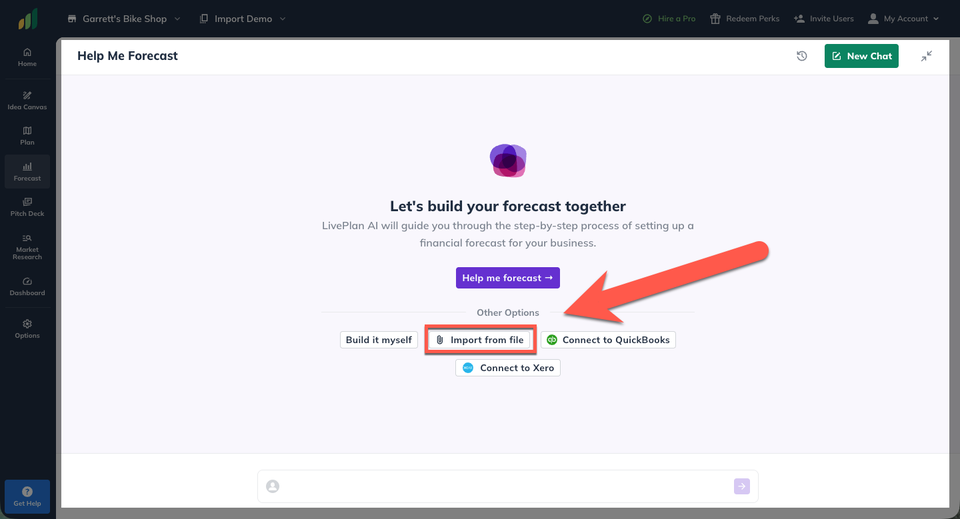
Help Me Forecast will walk you through what it found and propose the entries it plans to create. Review the proposed assumptions and make any corrections before approving them.
Once approved, LivePlan creates the entries in your Forecast.
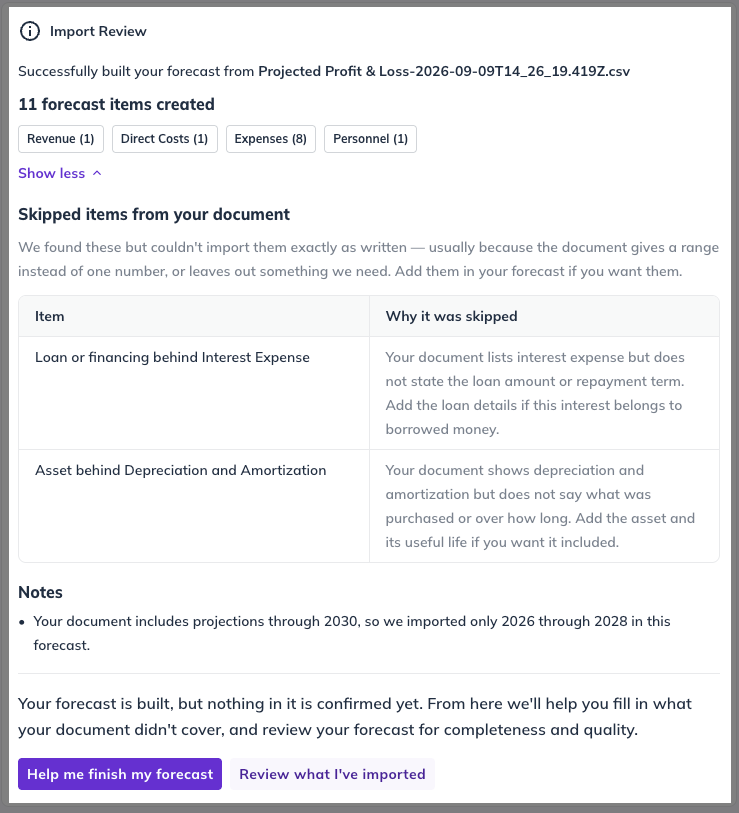
Review your imported forecast
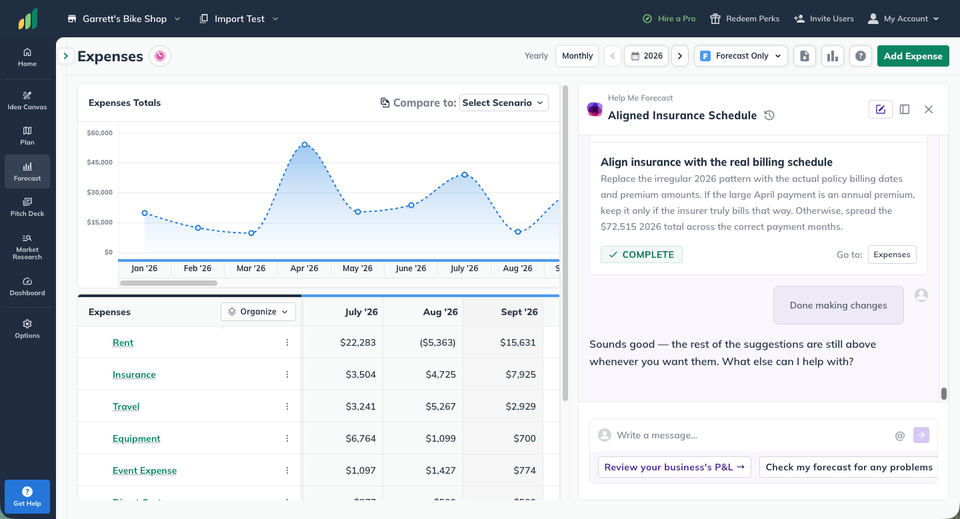
After the import is complete, review the resulting financial tables in LivePlan. Imported entries work just like entries created manually, so you can open them and adjust the assumptions, values, or timing as needed.
Your uploaded spreadsheet is also retained as a Reference File, giving Help Me Forecast access to the original information if you continue working with the guided forecasting tools.
Import Financials FAQ


Yes. Import Financials supports Excel and CSV spreadsheets.
No. Help Me Forecast maps the information from your spreadsheet into LivePlan's forecast structure. The resulting forecast may be organized differently from the original spreadsheet.
No. Import Financials is intended to create a forecast from an existing spreadsheet. This is different from the regular guided questions, which can work alongside entries you've already created.
Import Financials is specifically for bringing in a full spreadsheet forecast. If you already have forecast entries in LivePlan, use the standard Forecast tools or Help Me Forecast to continue building and editing them.
Yes. Once the entries are created, you can review and edit them using LivePlan's regular forecasting tools.
See How to edit your forecast
No. A Reference File gives Help Me Forecast additional context while it helps you build a forecast. Import Financials actually maps the financial information in your spreadsheet into LivePlan forecast entries.