
Performance Tracking And Dashboard
Financial statements available in the Dashboard
In LivePlan Premium, the Dashboard section presents a comprehensive picture of your finances, including both forecasted totals (drawn from the information you enter in the Forecast section) and actual totals (gathered from your linked accounting software or entered directly using the Update Actual Results link in the Dashboard section).
For details on how to connect LivePlan to a specific accounting solution, see these articles:
If you aren't using any of these accounting solutions, you can still enter your actuals directly. For details, please see: Directly entering actual results
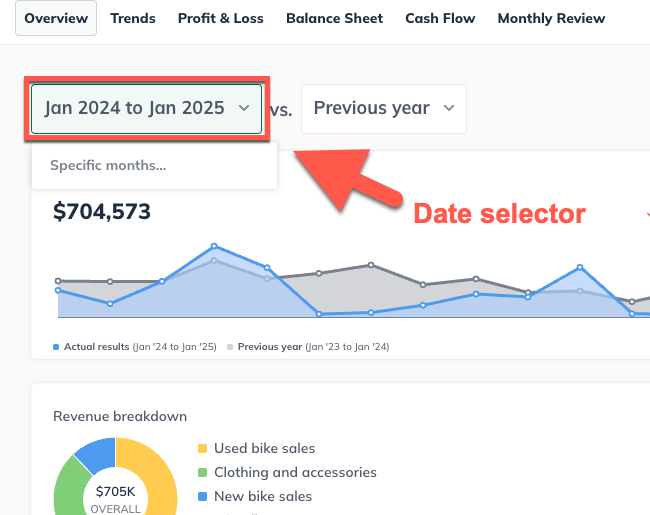
Click the date selector to choose a date range to view:
Next, select which data you will compare to the selected month or months of actuals: Forecast, Previous period, or Previous year:
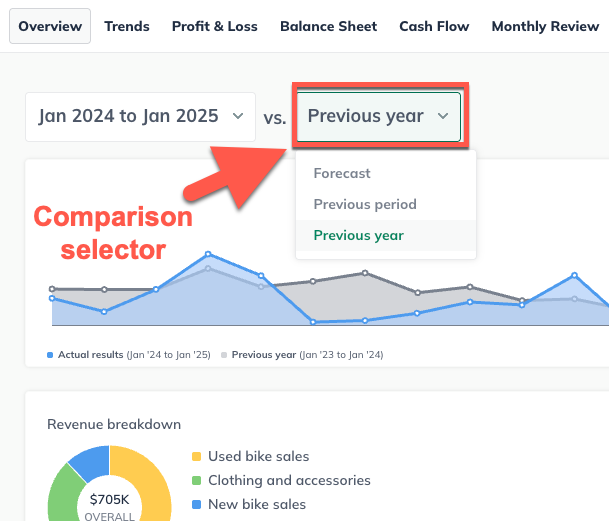
Once you choose a specific range of dates, the financial statements will automatically update and show data during that period.