
Using Plan Review in LivePlan
Plan Review analyzes your business plan and provides detailed feedback to help you strengthen your plan and prepare it for potential investors or lenders.
How to use Plan Review
The review analyzes both the written content of your plan and the financial data included in your reports. Based on this analysis, LivePlan generates a structured report with feedback, suggested improvements, and potential questions that lenders or investors may ask when reviewing your business plan.
Because Plan Review evaluates the entire plan, generating the report can take up to about 10 minutes.
You can start a Plan Review directly from the Plan section of your business plan.
To generate a Plan Review:
Open the Plan section of your business plan.
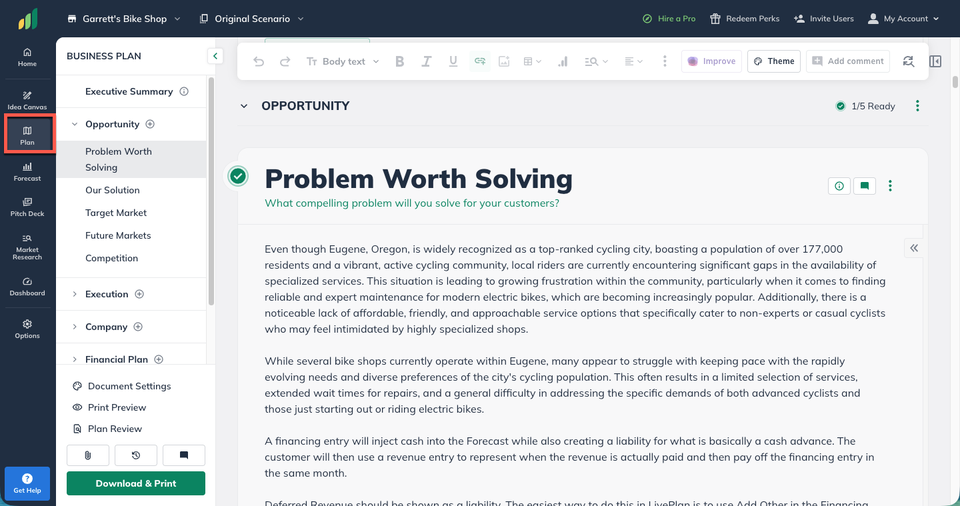
In the bottom of the left sidebar, click Plan Review to display the Plan Review window.
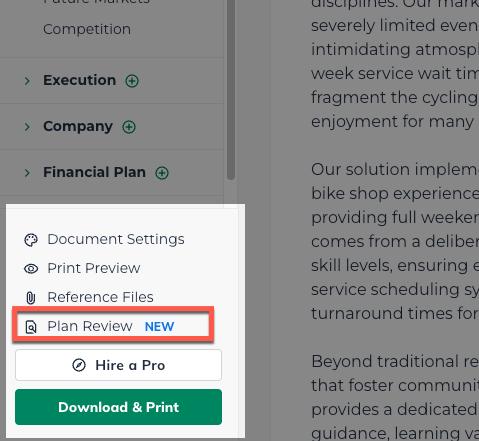
In the Plan Review window, click Start Plan Review to begin the analysis.
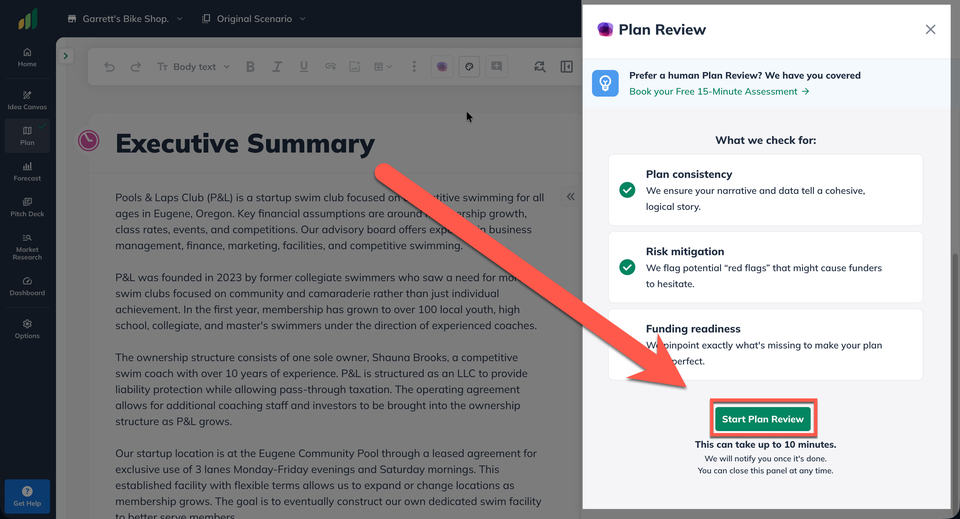
LivePlan will analyze your plan and generate feedback across all sections.
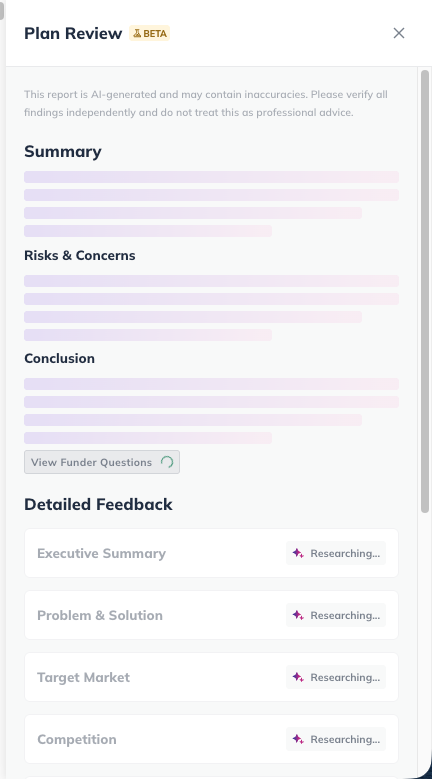
When the review is complete, the results will appear in a panel on the right side of the screen.
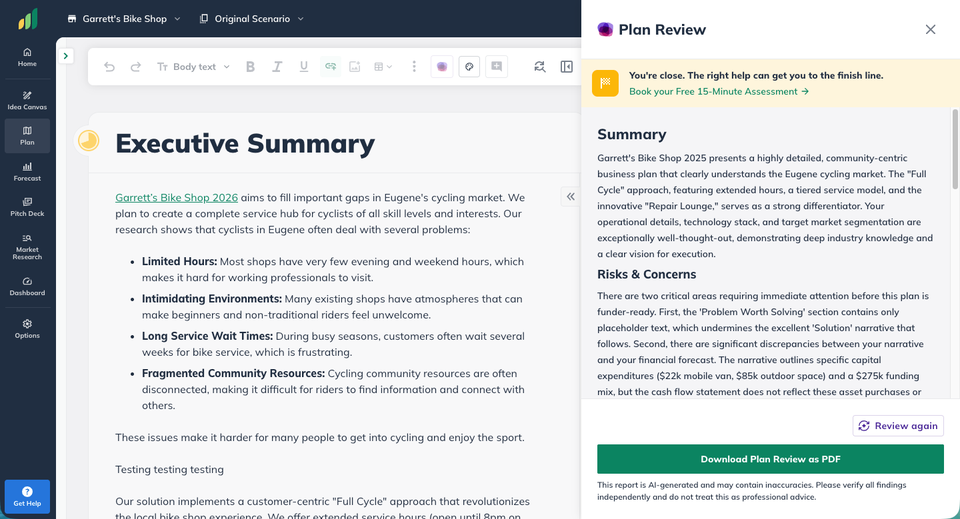
Note: Plan Review is part of the New Plan Experience. If you don’t see the Plan Review option in your plan, your company may still be using the Classic plan experience.
To learn how to enable the new features, see: Why don’t I see some of LivePlan’s new features?
Understanding the Plan Review results
Once the review finishes, LivePlan displays the results as a structured report in the right-side panel. This report highlights the strengths of your plan and identifies areas that could be improved.
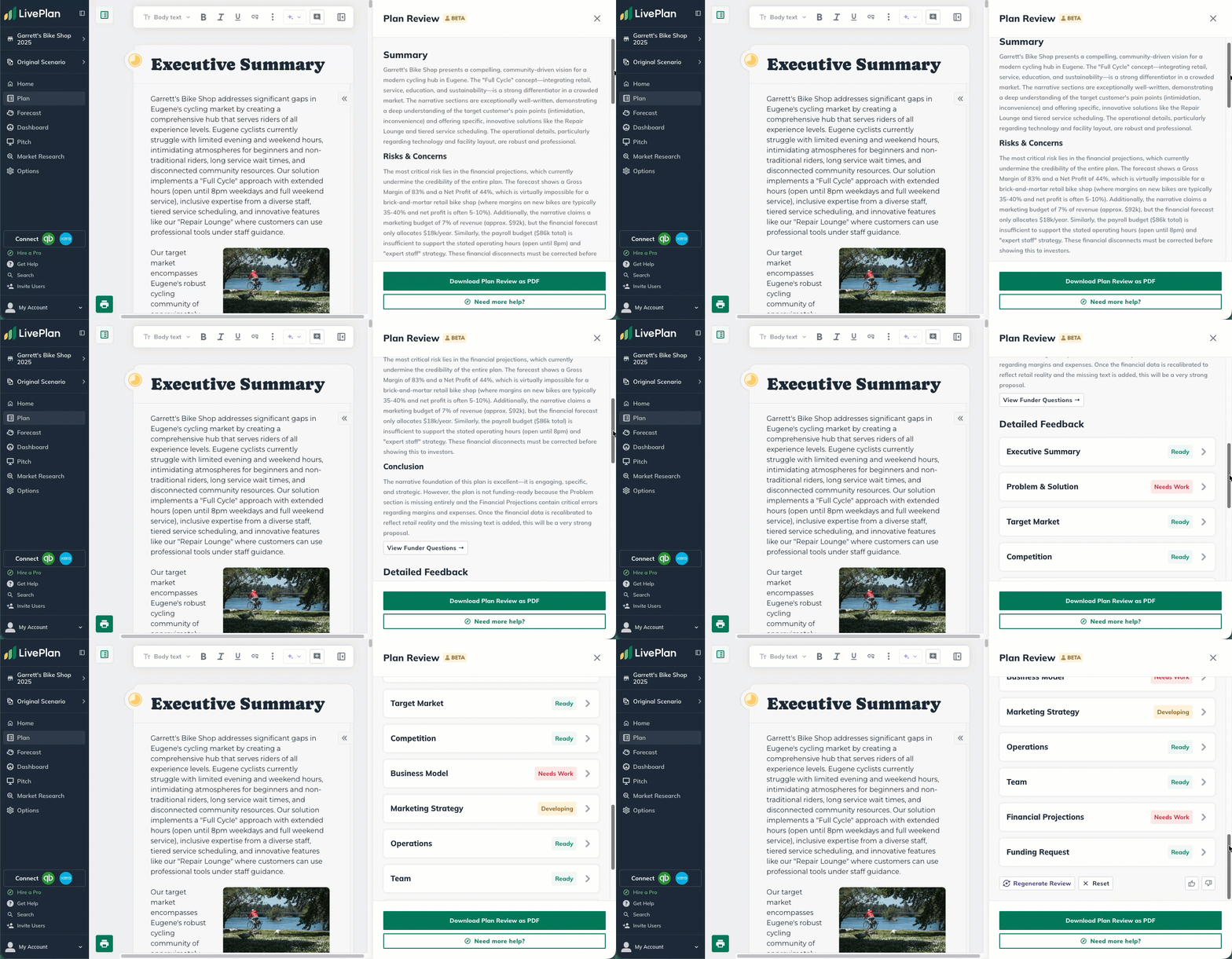
The report includes several key sections.
Summary
The Summary provides a high-level evaluation of your business plan. It highlights the overall concept, market opportunity, and how clearly your strategy is communicated.
Risks & Concerns
This section identifies potential issues that could raise questions from lenders, investors, or advisors. Examples may include:
Inconsistencies within the plan
Missing information
Financial risks or gaps in the forecast
This highlights areas of your plan that may need updates to strengthen the overall quality and clarity of your business plan.
Conclusion
The Conclusion summarizes the overall readiness of your business plan and highlights the most important improvements to focus on.
Detailed feedback
The largest part of the review provides feedback for each section of your plan. For every section, Plan Review explains:
What works well
What could be improved
Suggested changes to strengthen the section
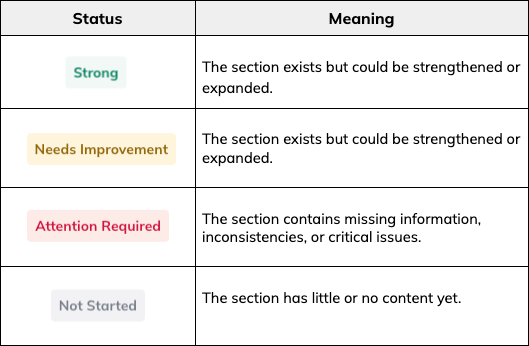
Each section is assigned a status so you can quickly understand where improvements are needed.
Applying suggestions to your plan
Each suggestion in the review includes a direct link to the section of your plan where the improvement is recommended.
Clicking the link takes you directly to the relevant section so you can make edits.
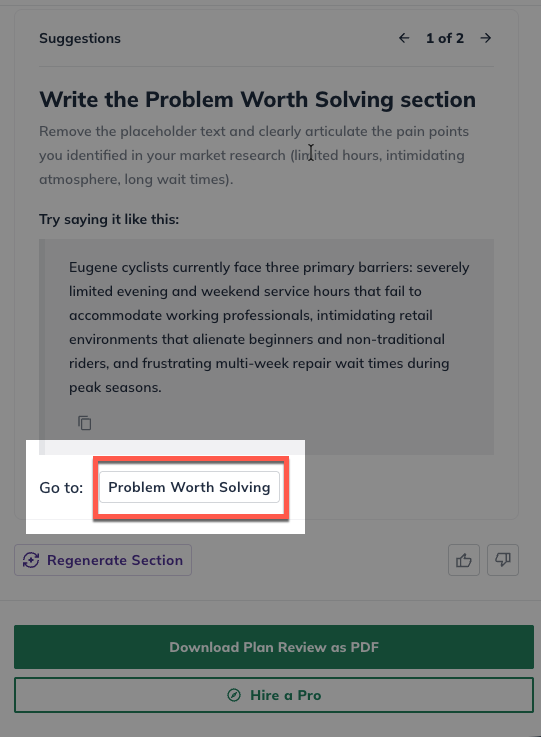
The Plan Review panel remains open while you work, allowing you to keep the feedback visible as you update your plan.
Running the review again
If you make significant changes to your plan, you can run Plan Review again to generate an updated report.
You can generate two full Plan Review reports per hour. If you only want to refresh feedback for a specific part of your plan, you can also regenerate individual sections of the review without running the full report again.
Each section of the Plan Review includes a Regenerate Section option that updates the feedback for that section based on the latest content in your plan.
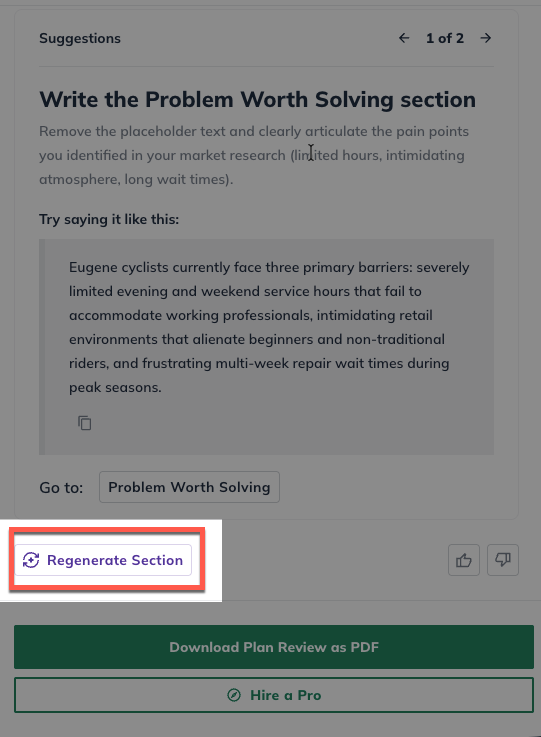
This makes it easy to refine your plan iteratively as you improve different sections.
Exporting the Plan Review report
You can download the results of your review as a PDF report.
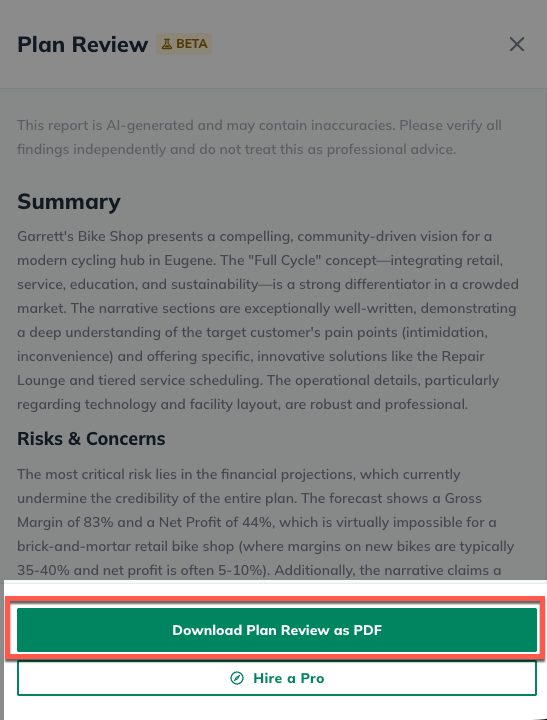
The exported report includes:
The overall summary of your plan
Key risks and concerns
Detailed feedback for each section
Suggested improvements
Example questions that lenders or investors may ask
This can be useful for reviewing feedback offline or sharing it with mentors, advisors, or collaborators.
A note about AI-generated feedback
Plan Review is designed to provide a strong starting point for improving your business plan. While the feedback is based on the content and financial data in your plan, it may occasionally make assumptions or suggestions that require adjustment.
You should always review the recommendations and ensure the final strategy, language, and financial assumptions reflect your actual business plans.
LivePlan's Professional Review Service
If you'd like expert feedback on your plan’s strategy and financial assumptions, our professional review service provides a deeper evaluation from an experienced advisor.
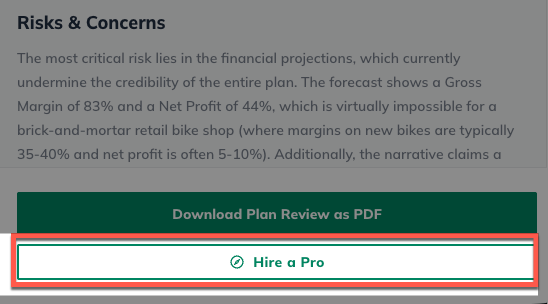
A professional business plan writer will examine every section of your plan, including the financials, providing detailed feedback on how to make it lender-ready. You'll receive actionable insights to refine your plan, giving you confidence that your pitch meeting will be successful.
To learn more about our professional review service, visit: LivePlan Professional Plan Review Service