
Advisors And Consultants
Co-branding your LivePlan account
Co-branding is a feature that is available to academic, government, or Advisor accounts that meet a certain set of requirements. Please contact us if you have any questions about this feature.
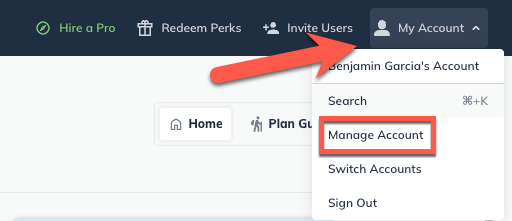
To Co-brand your LivePlan account, click on the Account menu, then select Manage Account
On the Account Details page, select an image from your computer in either PNG or JPG format that will appear at the top of the LivePlan website.
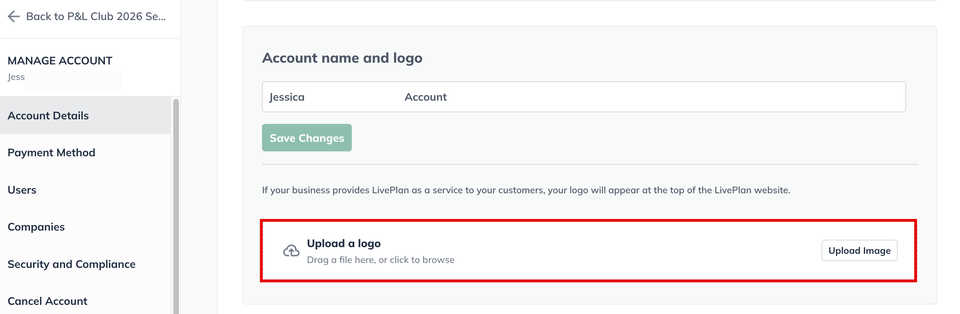
Note: The optimal image size is 250px wide by 60px tall. Rectangular images will display better than square images.
To upload your logo, either drag and drop the image file or click Select an image from your computer:
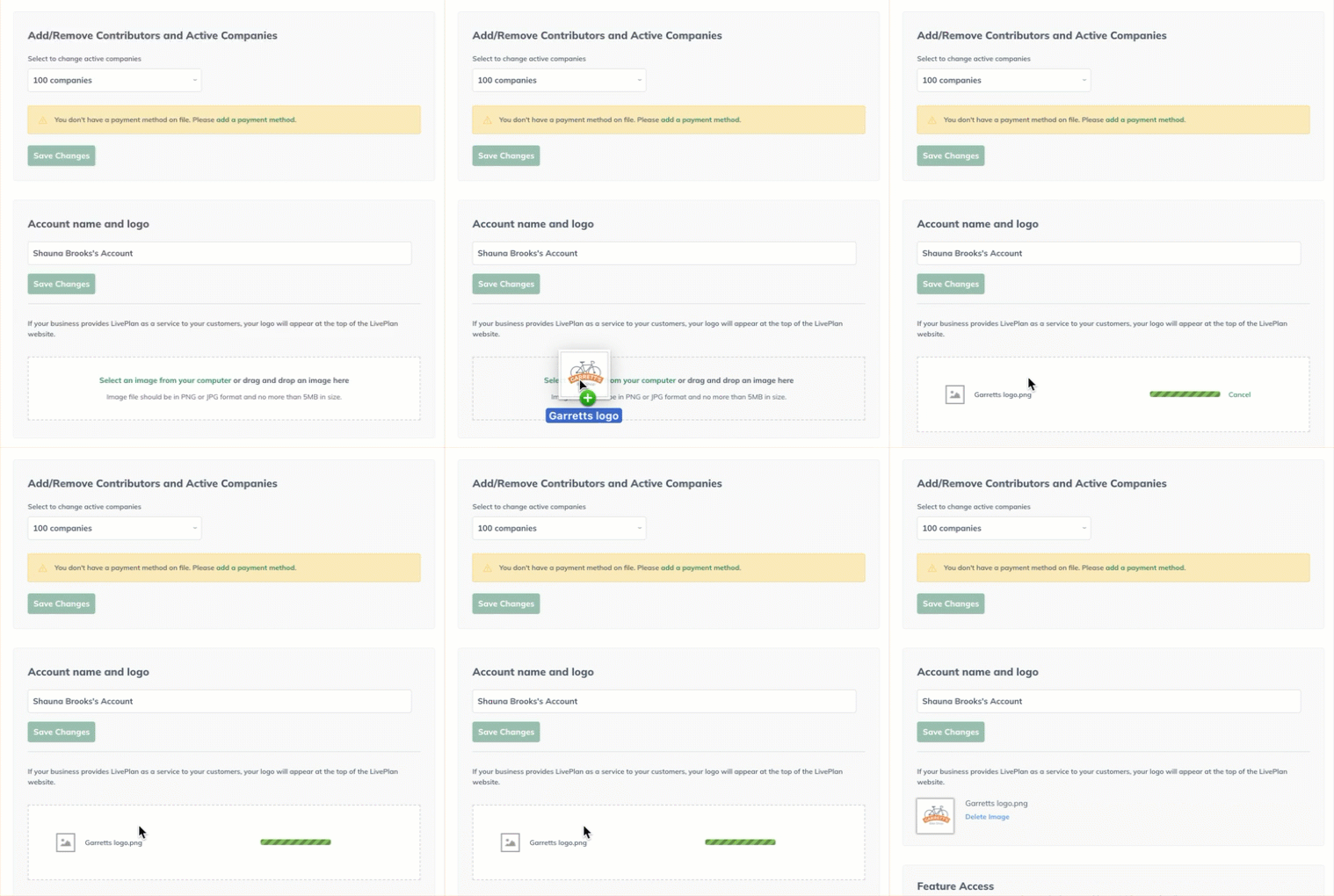
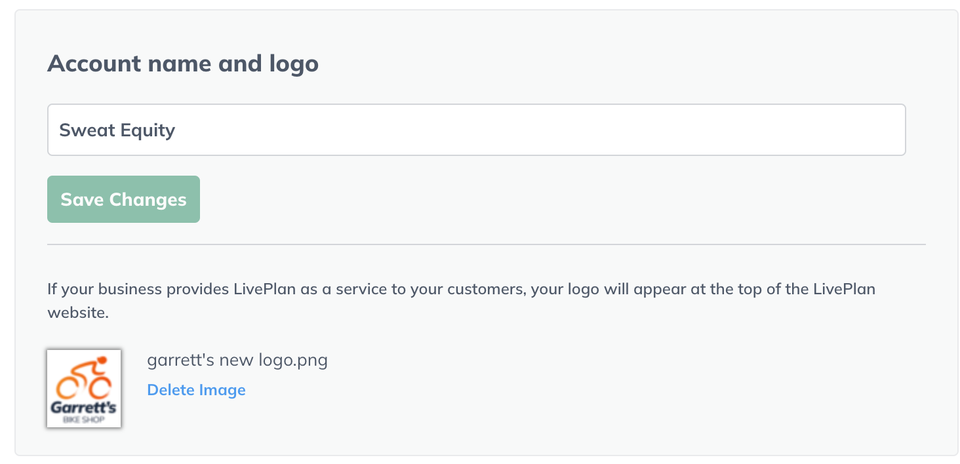
Once the logo is uploaded, you'll see it displayed. You can click the Delete Image link any time to remove it and upload a different logo:
To exit the account management page, click the back arrow in the upper-left corner:
Once uploaded, your company logo will appear at the top of all LivePlan web pages while you are signed in. In addition all guests and contributors on your account will see your company logo at the top of their LivePlan window.
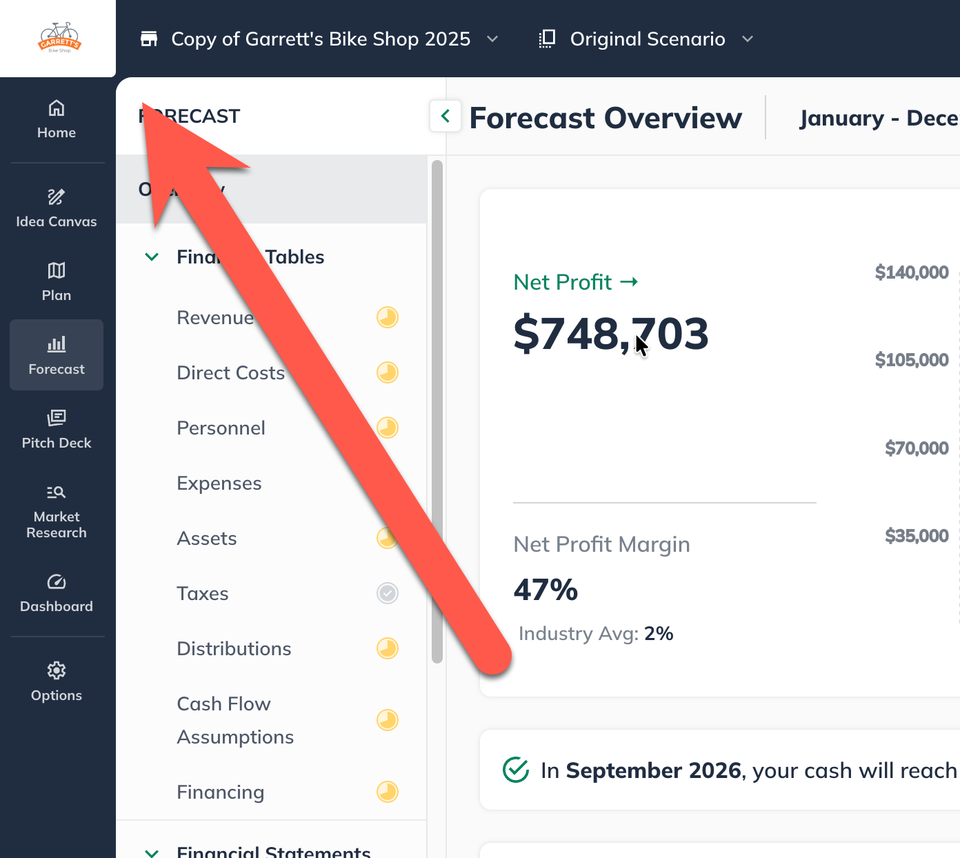
Note: All printed reports will display the company logo