
Writing Your Business Plan
Adding annual-detail financial statements to your plan
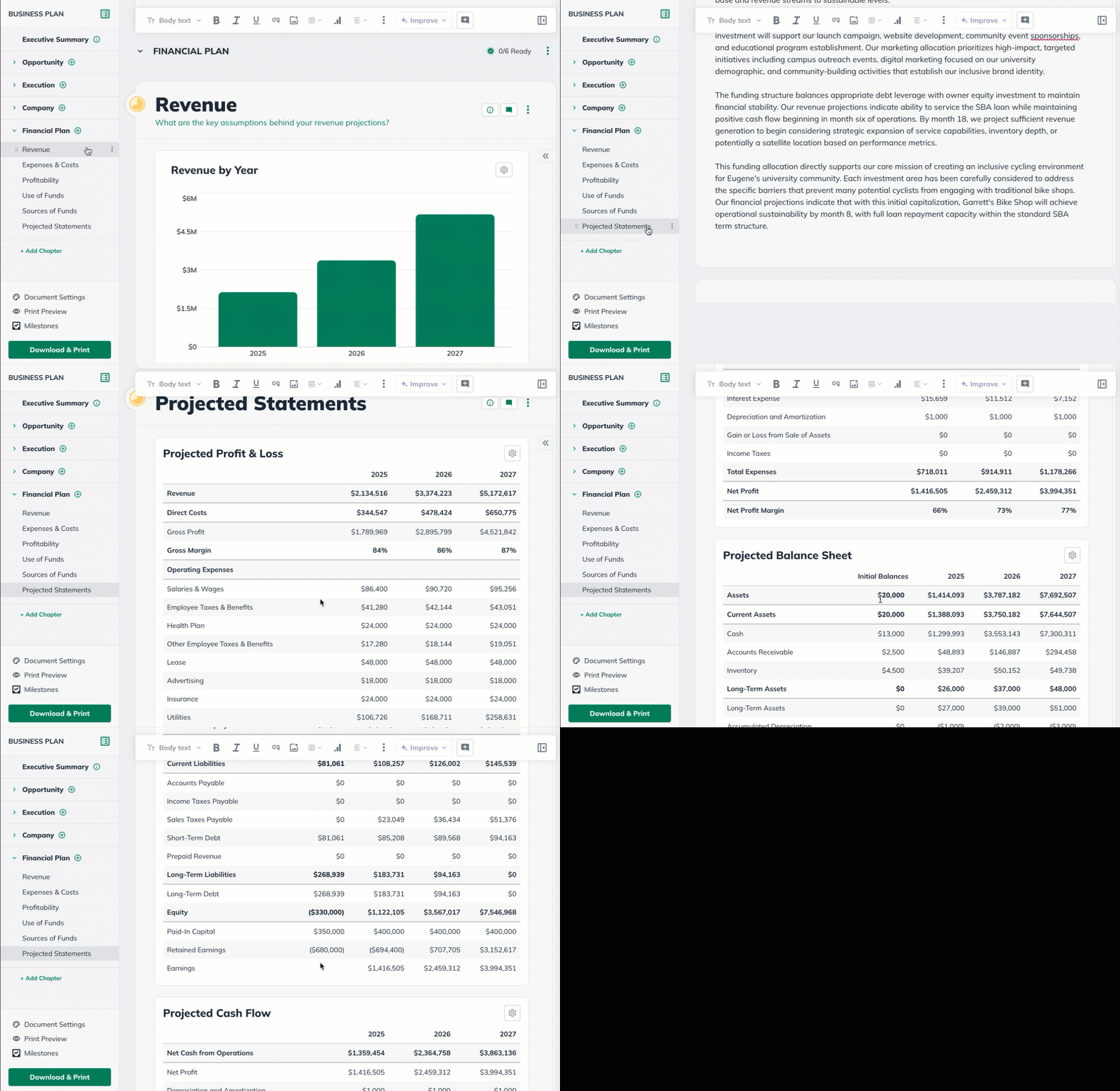
LivePlan includes a default set of financial statements in the Plan outline comprising of a Profit and Loss, a Balance Sheet, and a Cash Flow, with annual totals. These statements are generated automatically from the data entered in the Forecast section and update dynamically as forecast entries are added or edited.
You'll find these statements via the Plan section, in the Financial Plan chapter of your business plan:
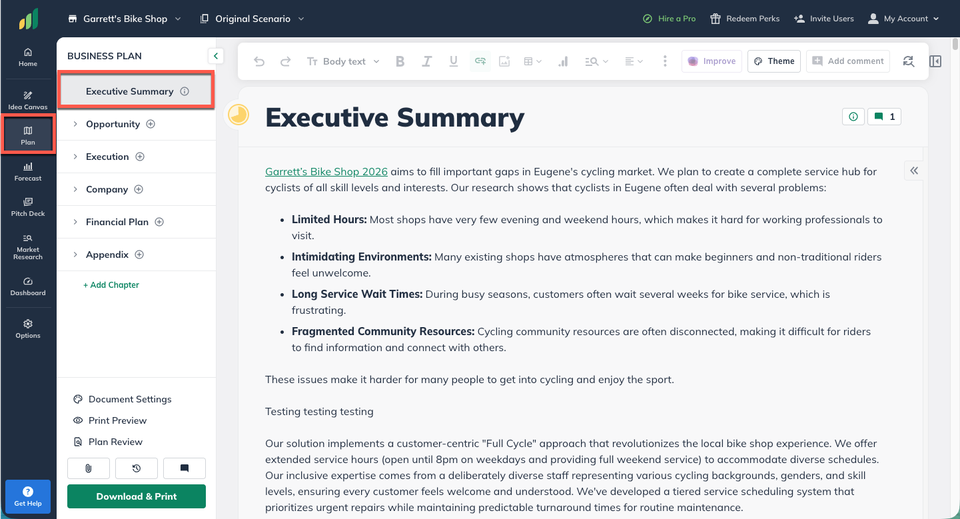
Click on the Plan section. This will place you automatically in the Executive Summary of your plan:
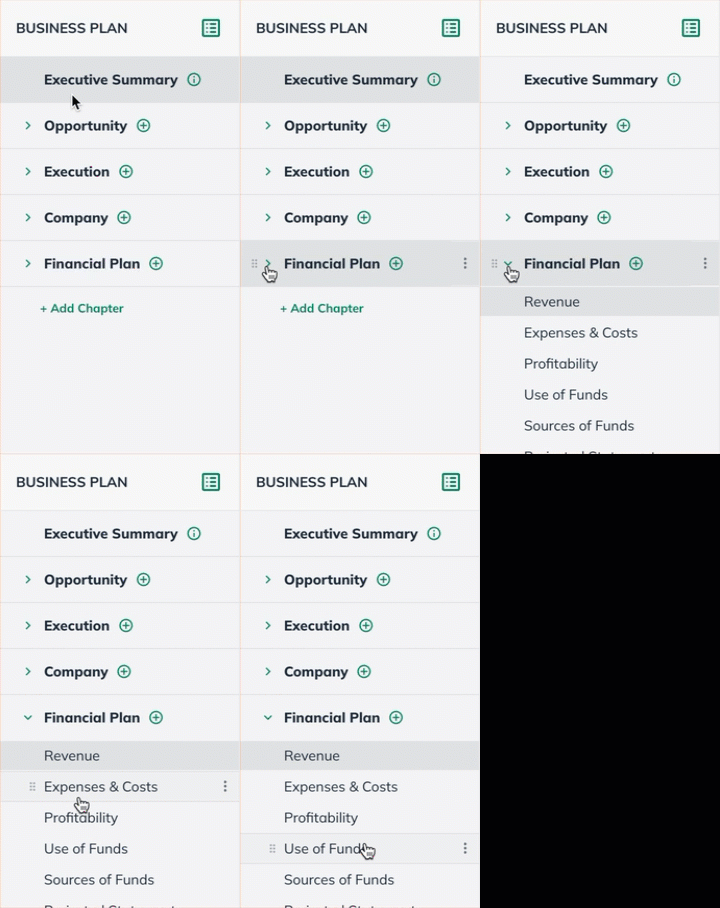
In the outline, click on Financial Plan to expand that chapter:
You can view your annual total statements in the Statements section of the Financial Plan chapter.
If you require a download that includes only these annual-detail statements, you can always use the Chapters tool to create this download. For more details, see Choosing which chapters to include in the downloaded plan.