
Migrating to the New Plan Experience
LivePlan's New Plan Experience has introduced many exciting new features, including Market Research, Plan Review, Reference Files, enhanced AI writing tools, improved export options, and many more!
Plans created in the Classic Plan Experience will continue to work normally, but these newer features won’t appear until the plan has been converted. This guide will show you how to migrate into the New Plan Experience.


Get personalized support by contacting our Customer Advocacy Team
How to migrate to the New Plan Experience
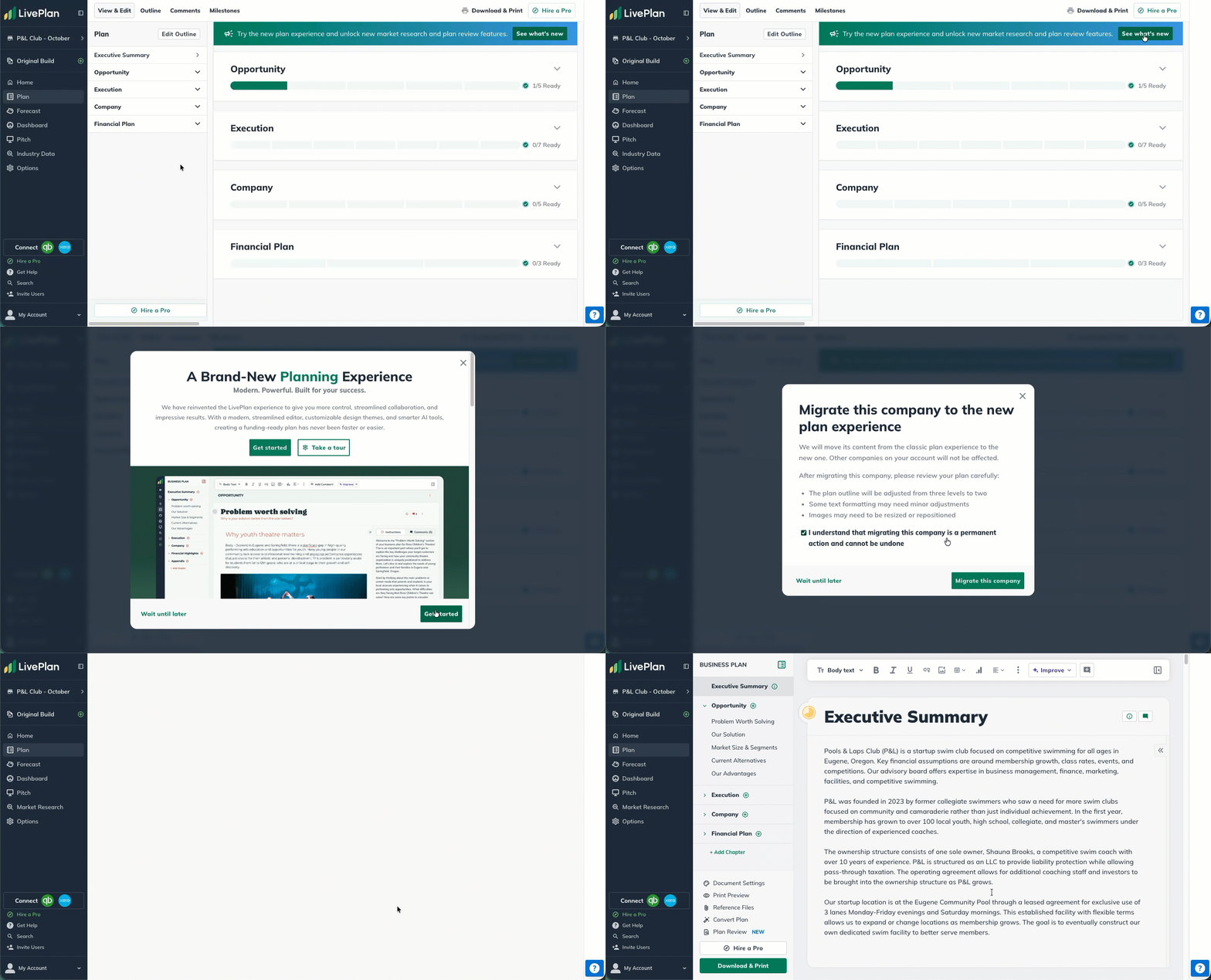
Plans created in the Classic Plan Experience will see a migration banner at the top of their plan sections.
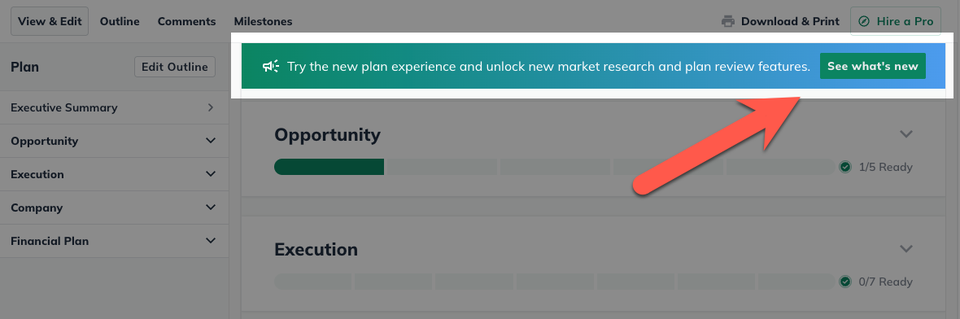
Click See what's new to see information about migrating your plan.

You will see a pop up window with information about the New Plan Experience.
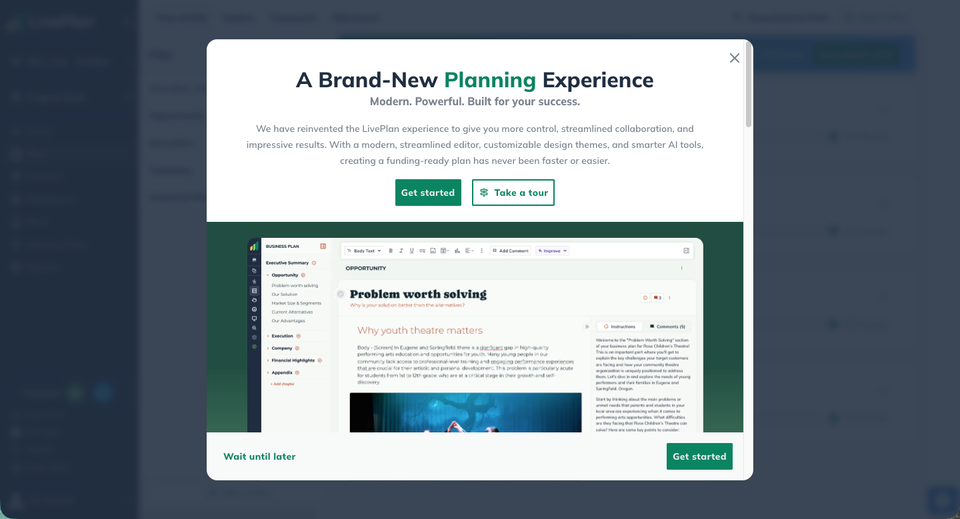
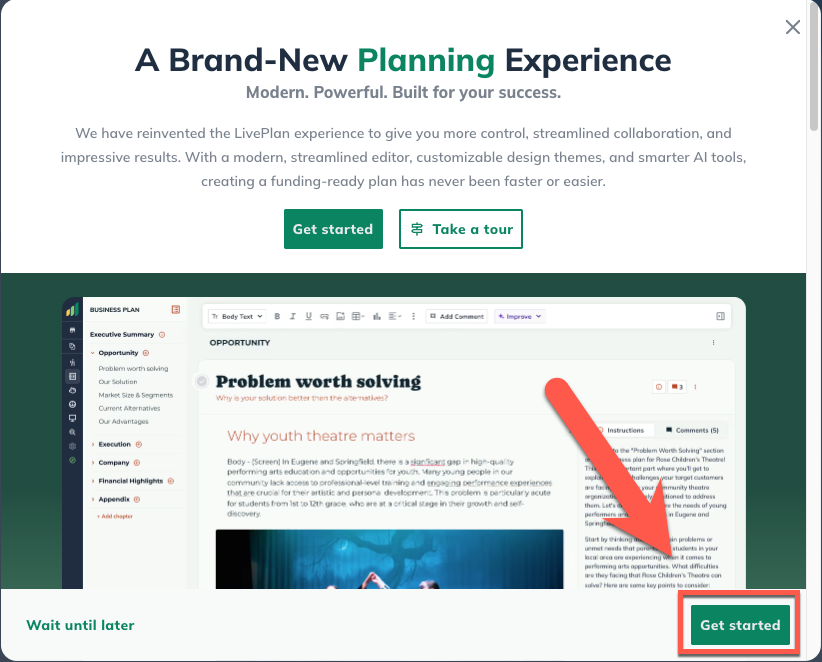
Click Get started to start the migration.
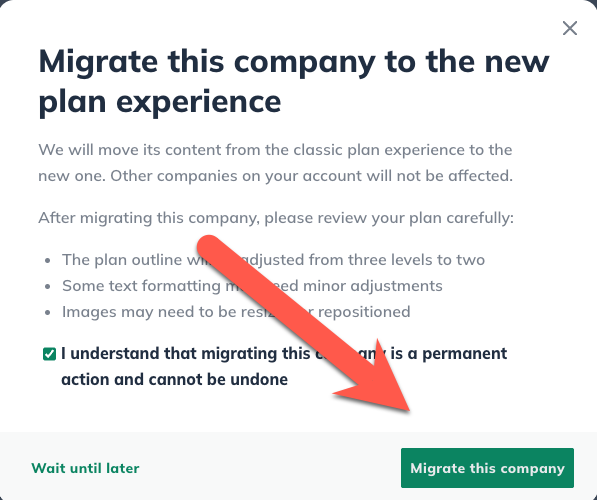
Migrating your plan into the format of the New Plan Experience will cause some minor changes, so please review our post-migration recommendations and check the box acknowledging you understand.
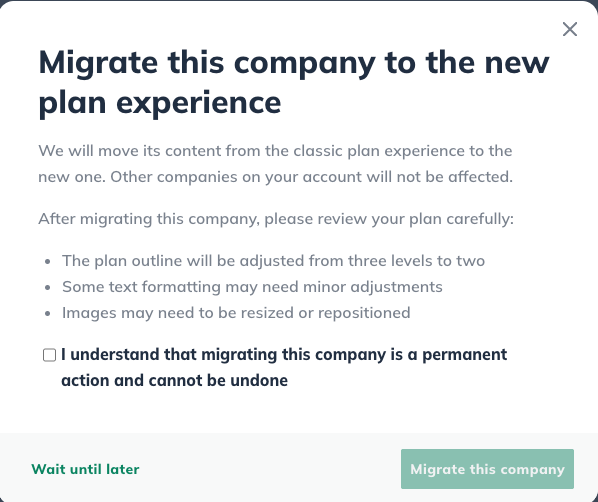
Click Migrate this company to initiate the plan migration.
Wait a few moments and then your plan will be converted into the New Plan Experience!
Get personalized support by contacting our Customer Advocacy Team