
LivePlan Referral Program
LivePlan's Referral Program lets you earn money by sharing a LivePlan sign up link with people who could use it. This article covers how to sign up, get your referral link, set up payouts, and track your referrals.
Referral vs. Affiliate
LivePlan offers two ways to earn by sharing LivePlan: the Referral Program (the focus of this article) and the Affiliate Program.
If you're not sure which one fits you, take the quick quiz on our Referral & Affiliate page. It'll point you to the right program in a few seconds.
Getting Started
How you sign up depends on whether you already use LivePlan.


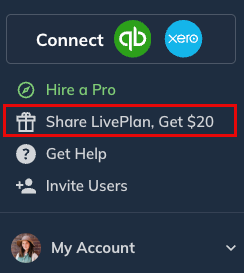
Login to your LivePlan account and look for the Share LivePlan, Get $20 option in the top navigation menu:
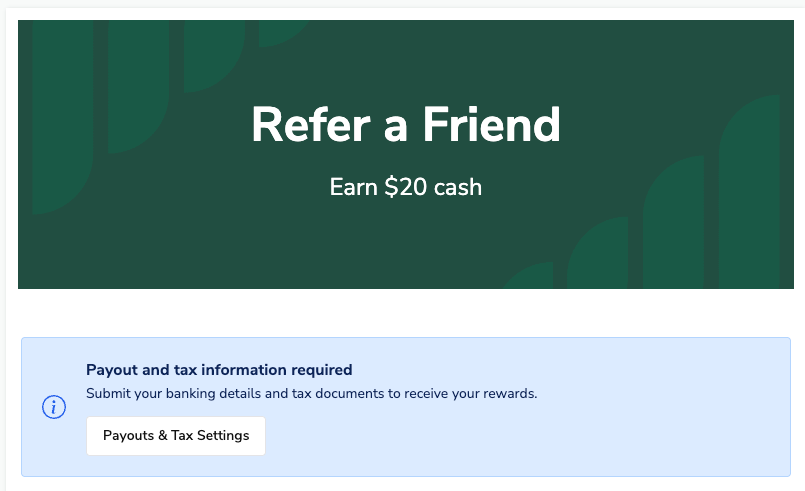
Click it to navigate to the Refer a Friend screen:
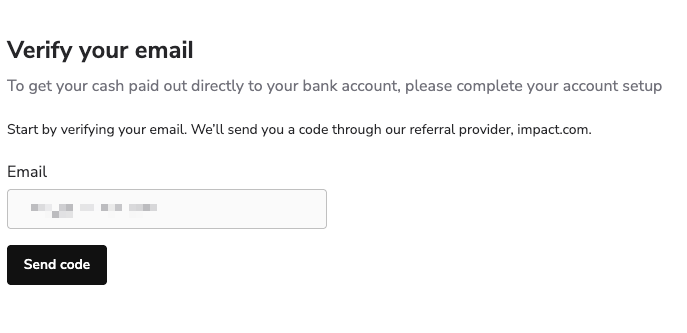
You'll then need to verify your email address before you can enter in your payment method. A code will be sent to the email address you use to login to LivePlan:
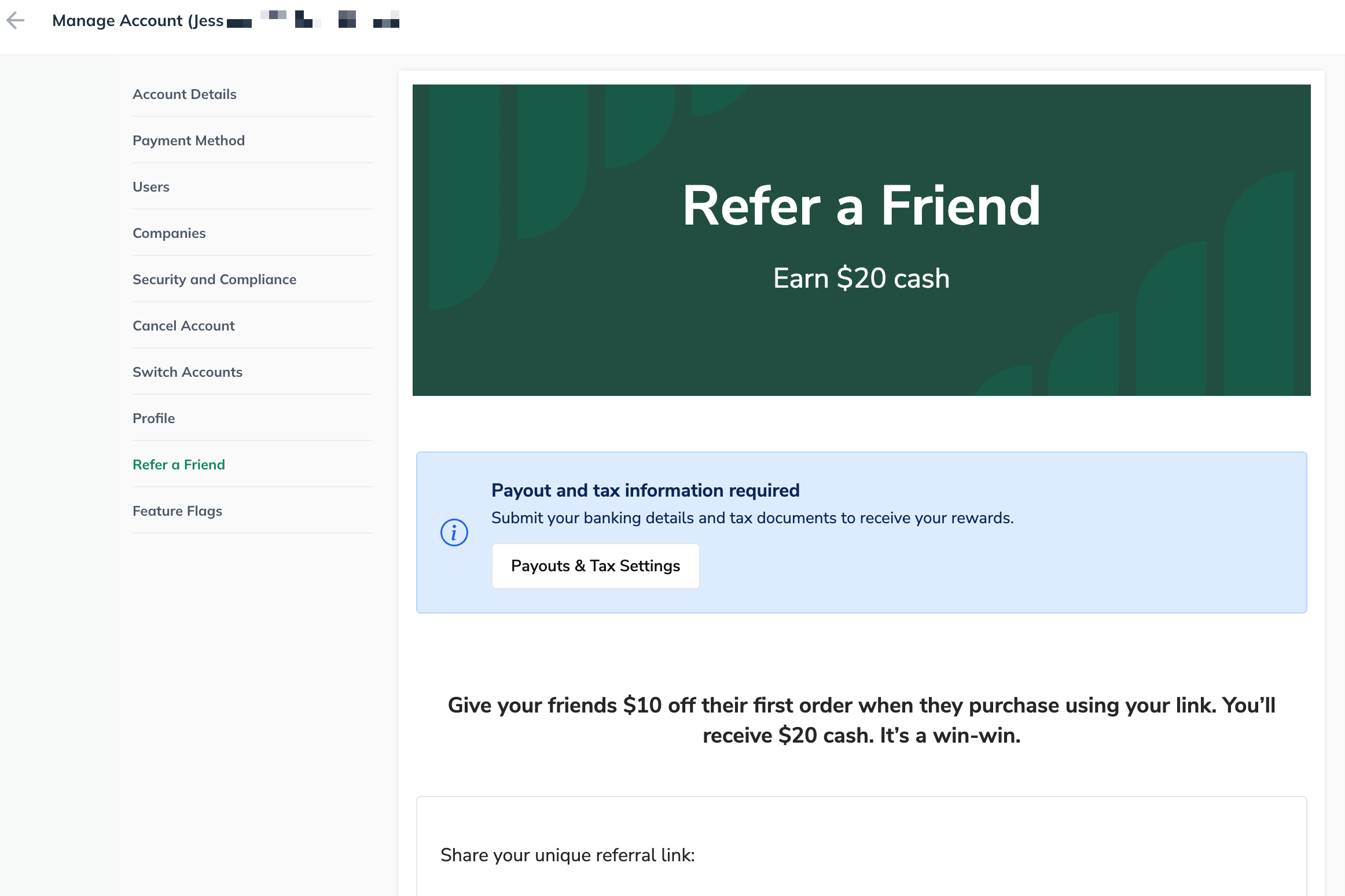
Once you have verified your email address, then you'll see your Referral dashboard:
Note: The steps for entering payment information is covered in this section.
You'll need to take the quiz first! Click on this link to go the landing page for our Affiliates.
Click on either the Become an Affiliate or Become a Partner to start the quiz:
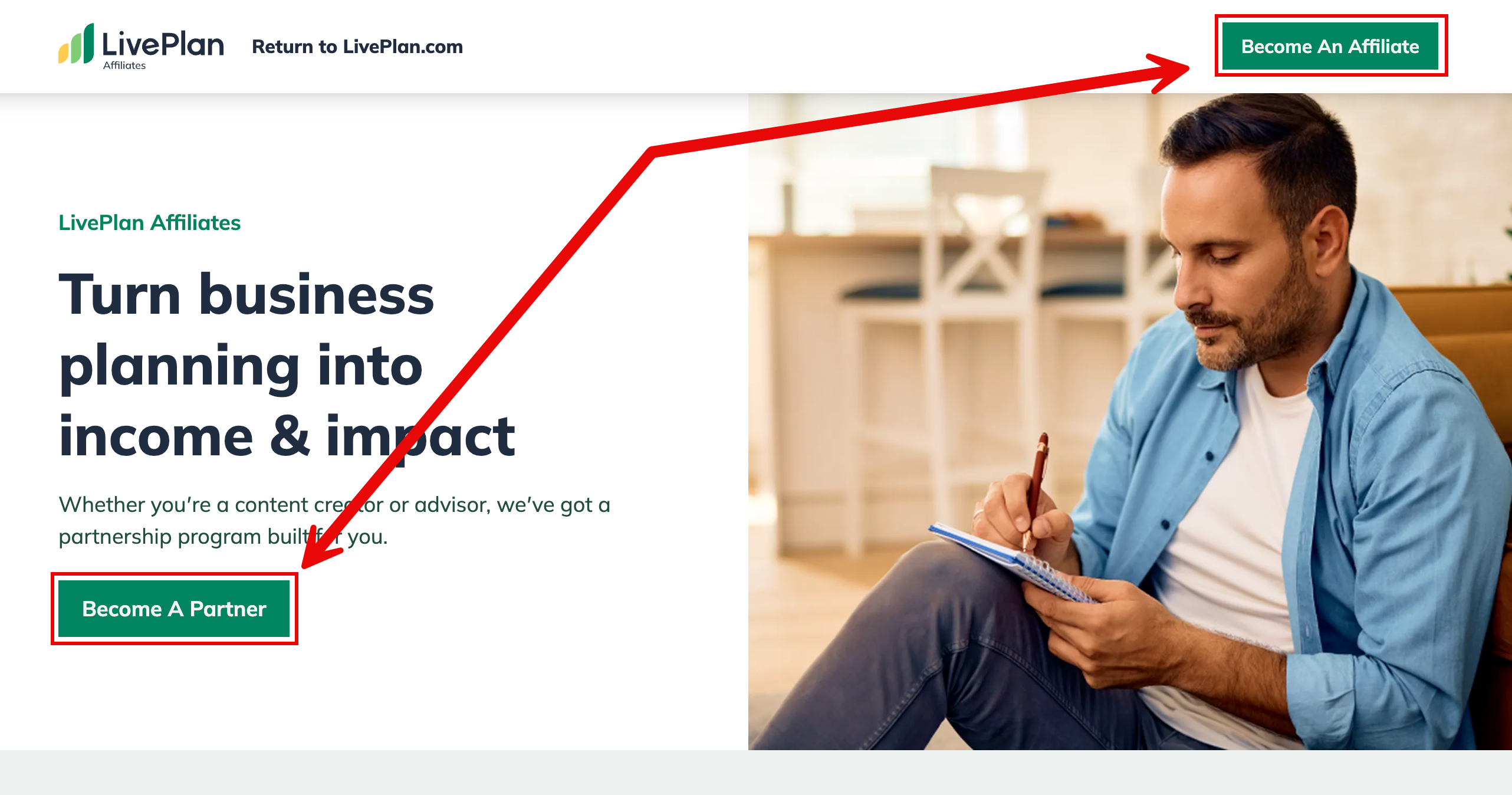
There's also a Get Started button towards the bottom of the landing page that will also start the quiz:

Click on the green Start button to begin the short quiz:
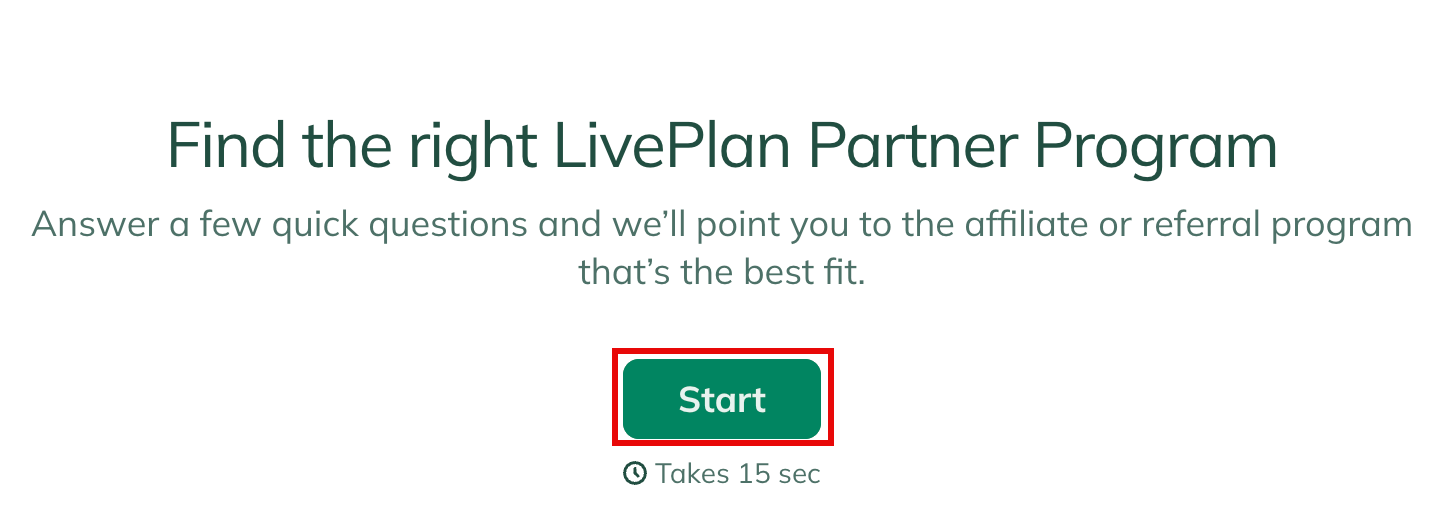
Once you answer a question or a couple, the quiz will determine if you're a fit for Affiliates or Referral. Click on the green Join Referral Program button to start the registration:
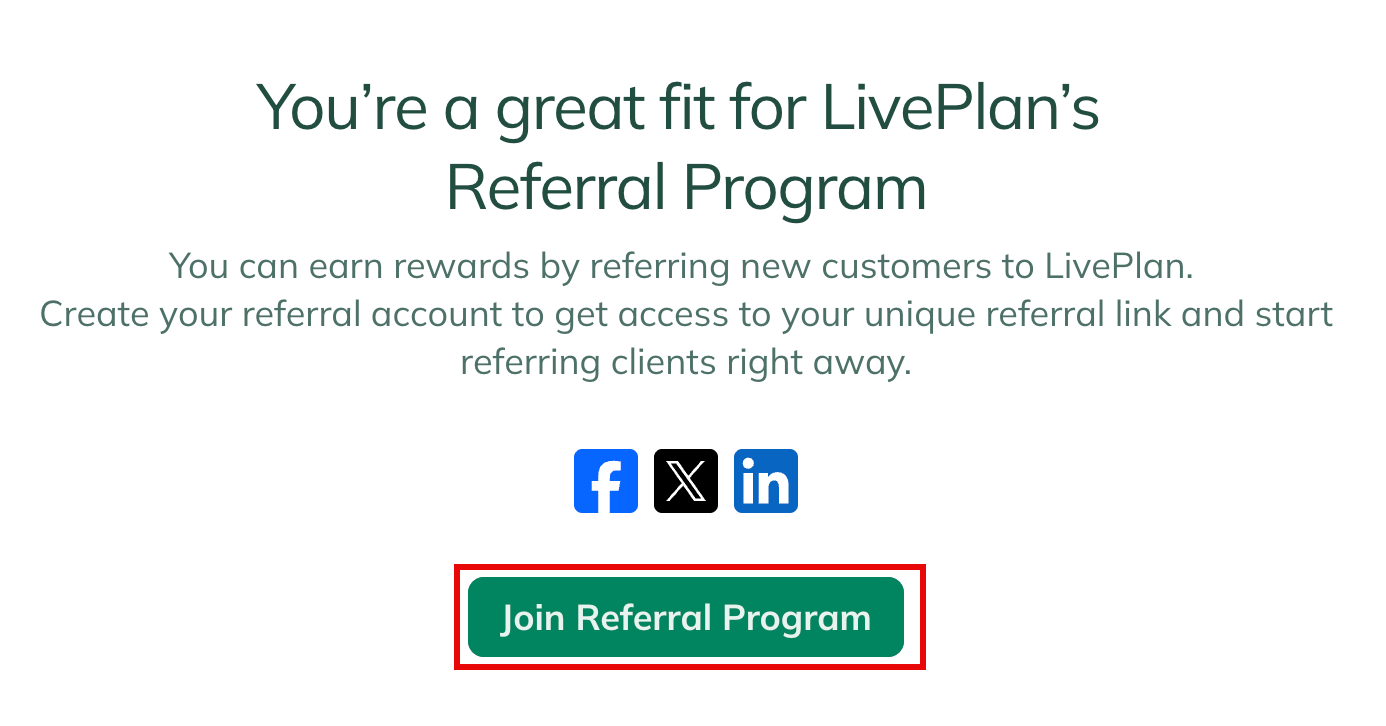
Fill out the form for the Referral registration:
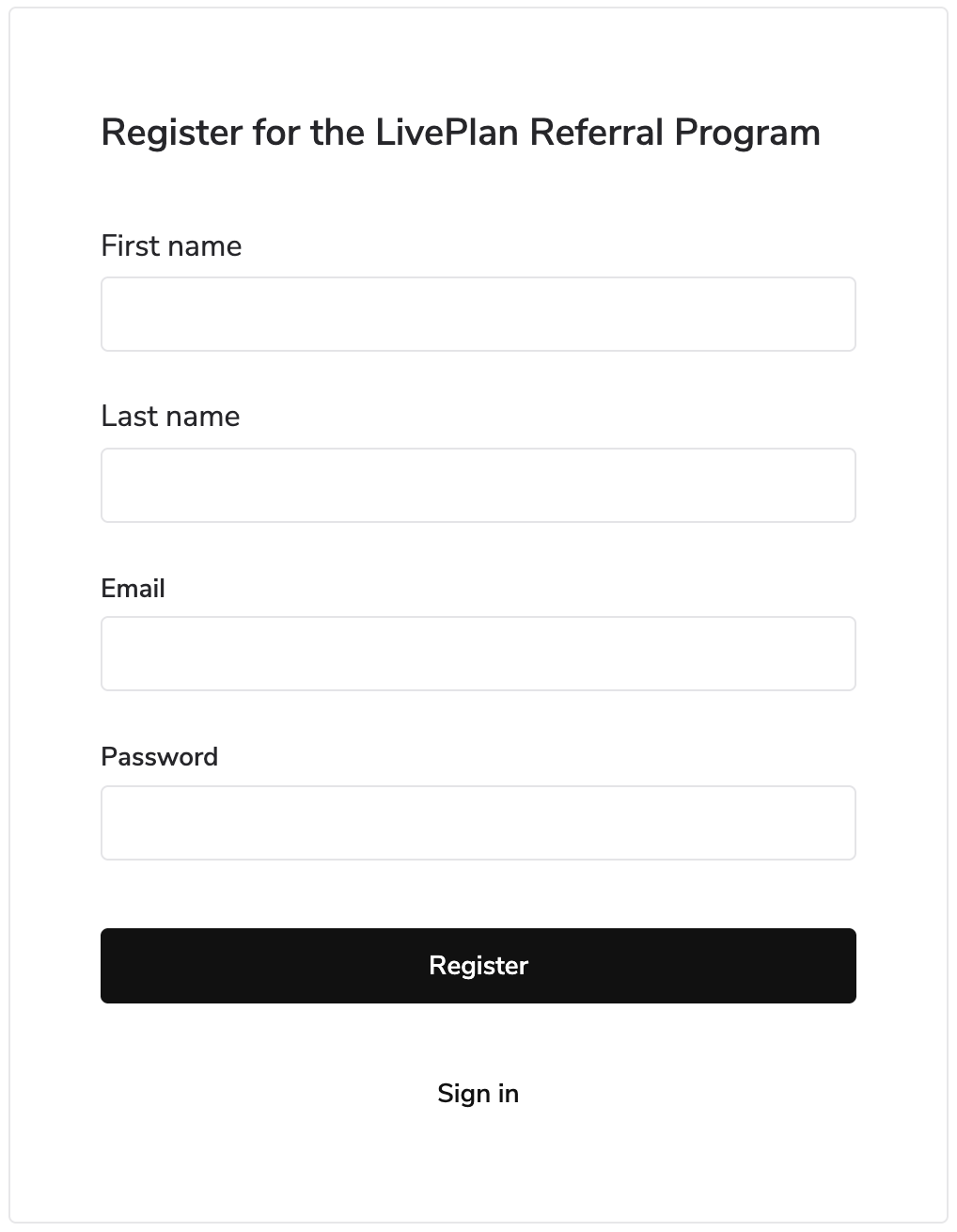
You'll then need to verify the email address you used when registering. Impact (the 3rd party who handles the registration and payout) will send the verification email:
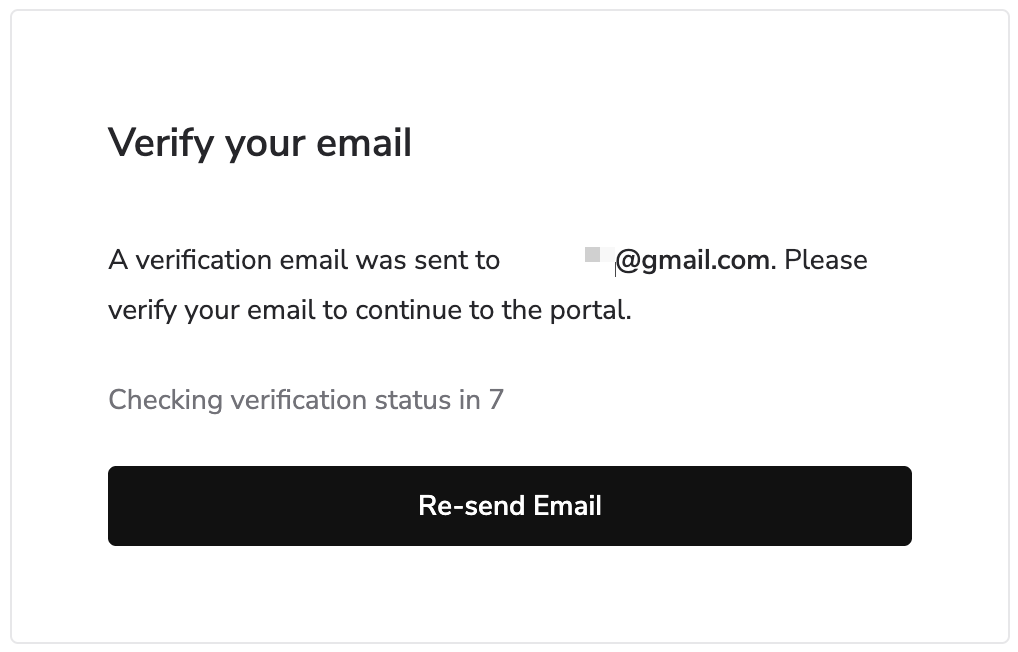
Once you have clicked on the link in the verification email, then you'll see your Referral account dashboard:
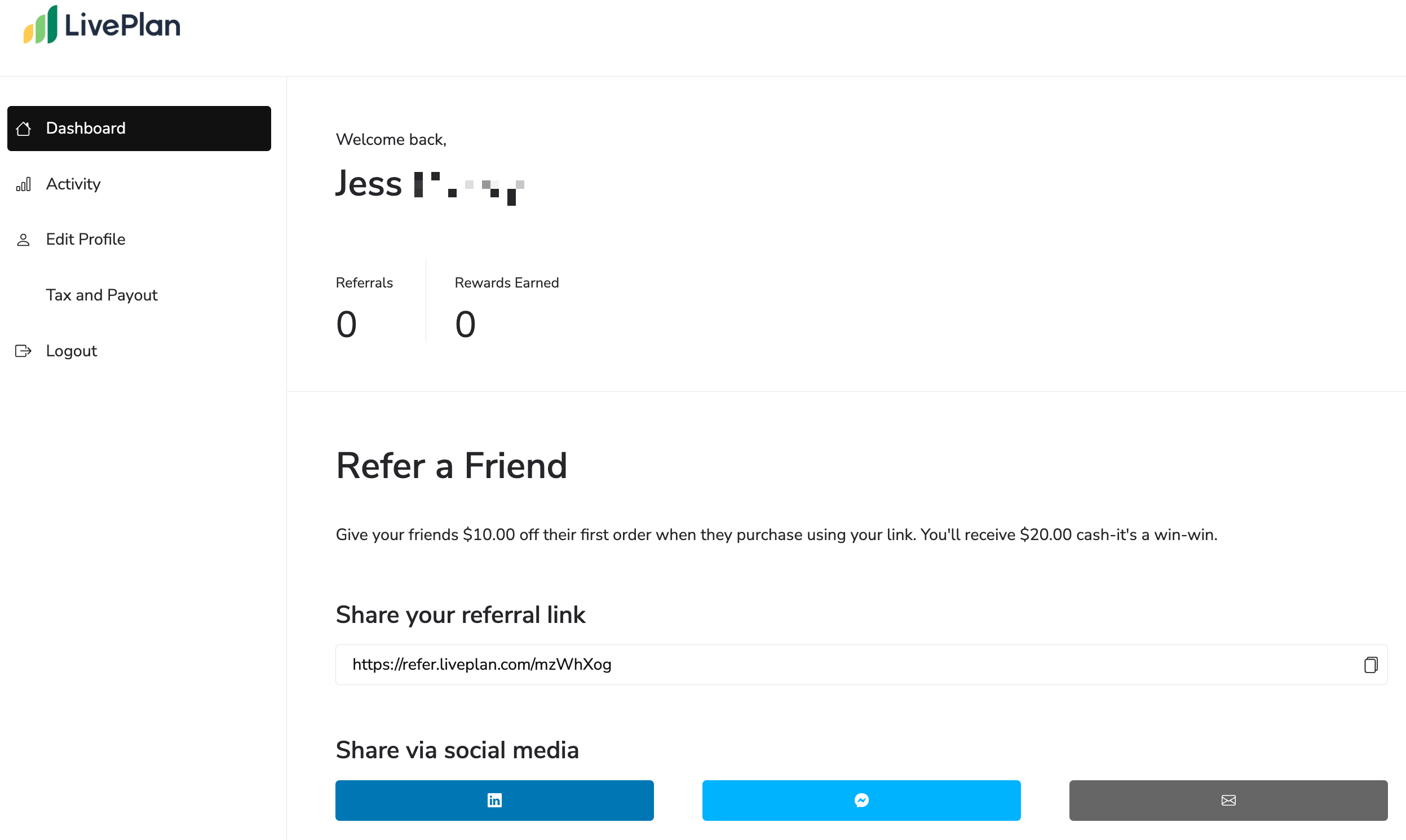
Note: The steps for entering payment information is covered in this section.
Sharing your Referral link
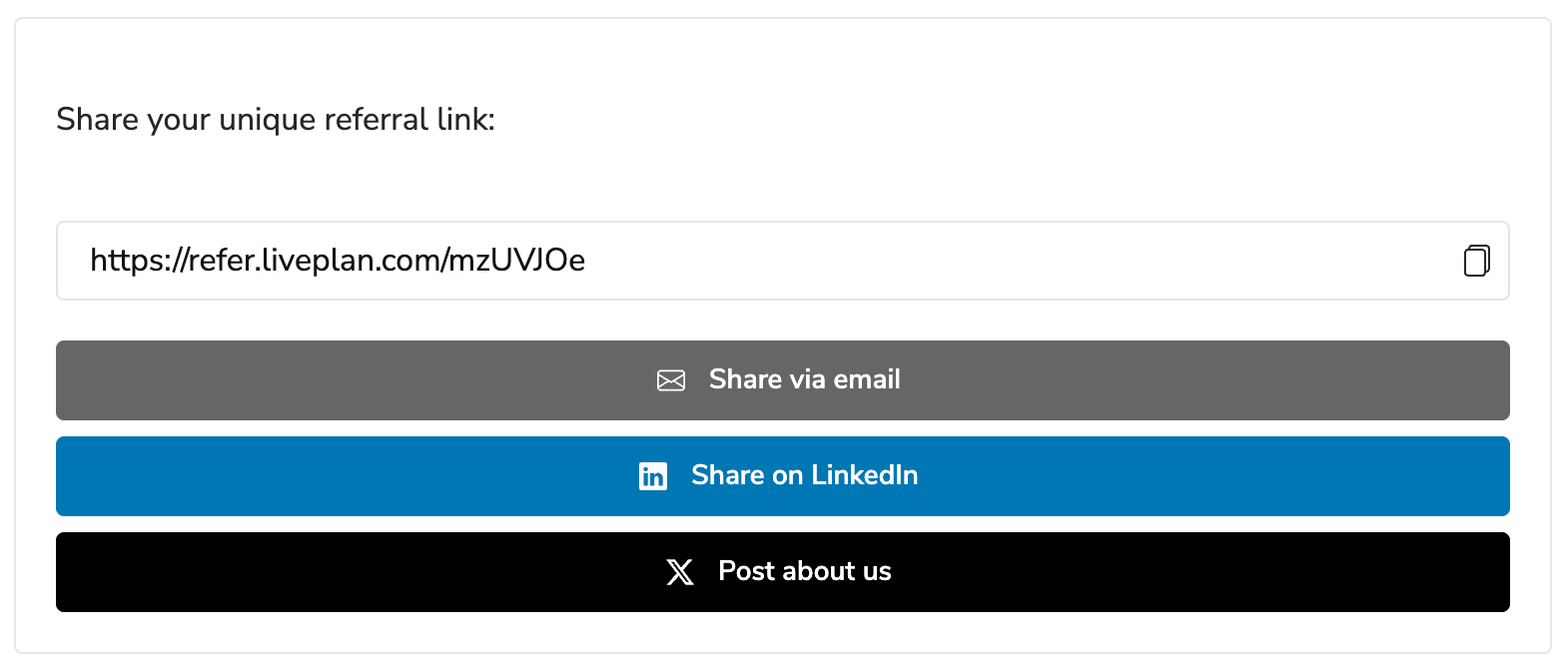
Once you're set up, your unique referral link lives on your Referral dashboard. You can share it however works best for you: text, email, or social platforms like LinkedIn.
One important thing to know: The Referral Program only works through your unique link. There isn't a promo code to provide at checkout. If someone doesn't use your link, then referral won't be tracked.
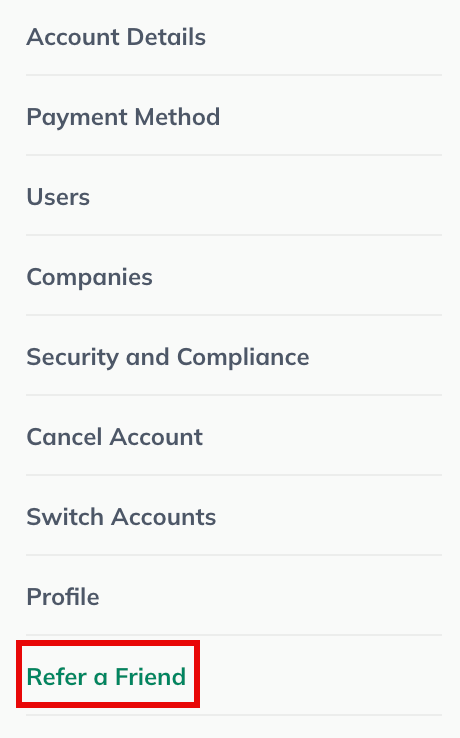
Login here if you don't have a LivePlan account. For those with a LivePlan account, you'll login to LivePlan and access the Refer a Friend from the Manage Account screen:
You can copy your referral link or use the email and social media link to share it:
Setting up your payout
You'll want to add in your payment details so you can get paid once someone uses your referral link. This set of instructions work for both those with and without a LivePlan account.
Important note: If you signed up through the landing page without a LivePlan account, you'll set this up after your first referral converts, using the link in the email you receive.
Login here if you don't have a LivePlan account. For those with a LivePlan account, you'll login to LivePlan and access the Refer a Friend from the Manage Account screen:
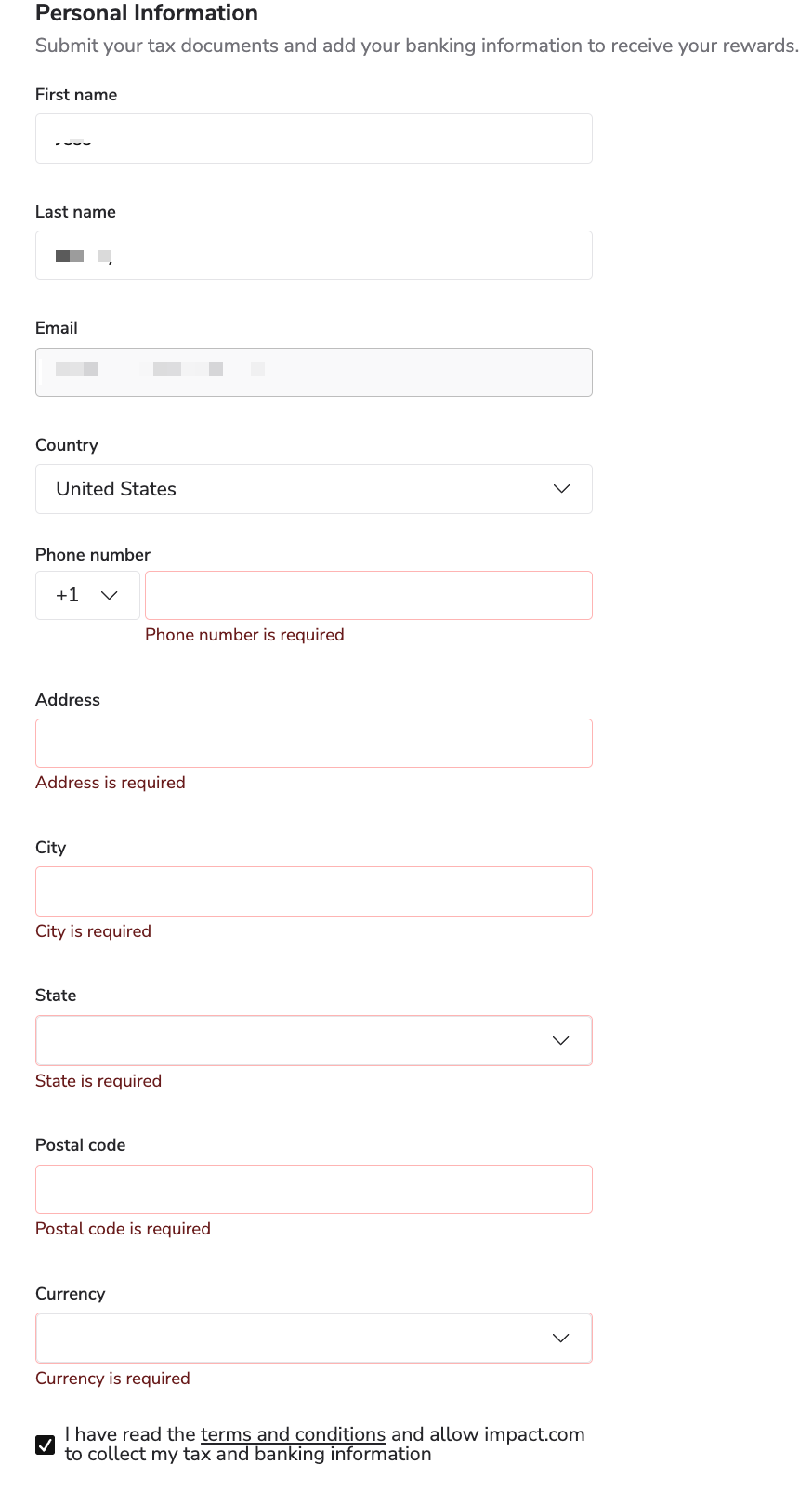
You'll need to fill out all of the fields on the first step (which combines steps 1-3) and then make sure to check the box for the terms & conditions.
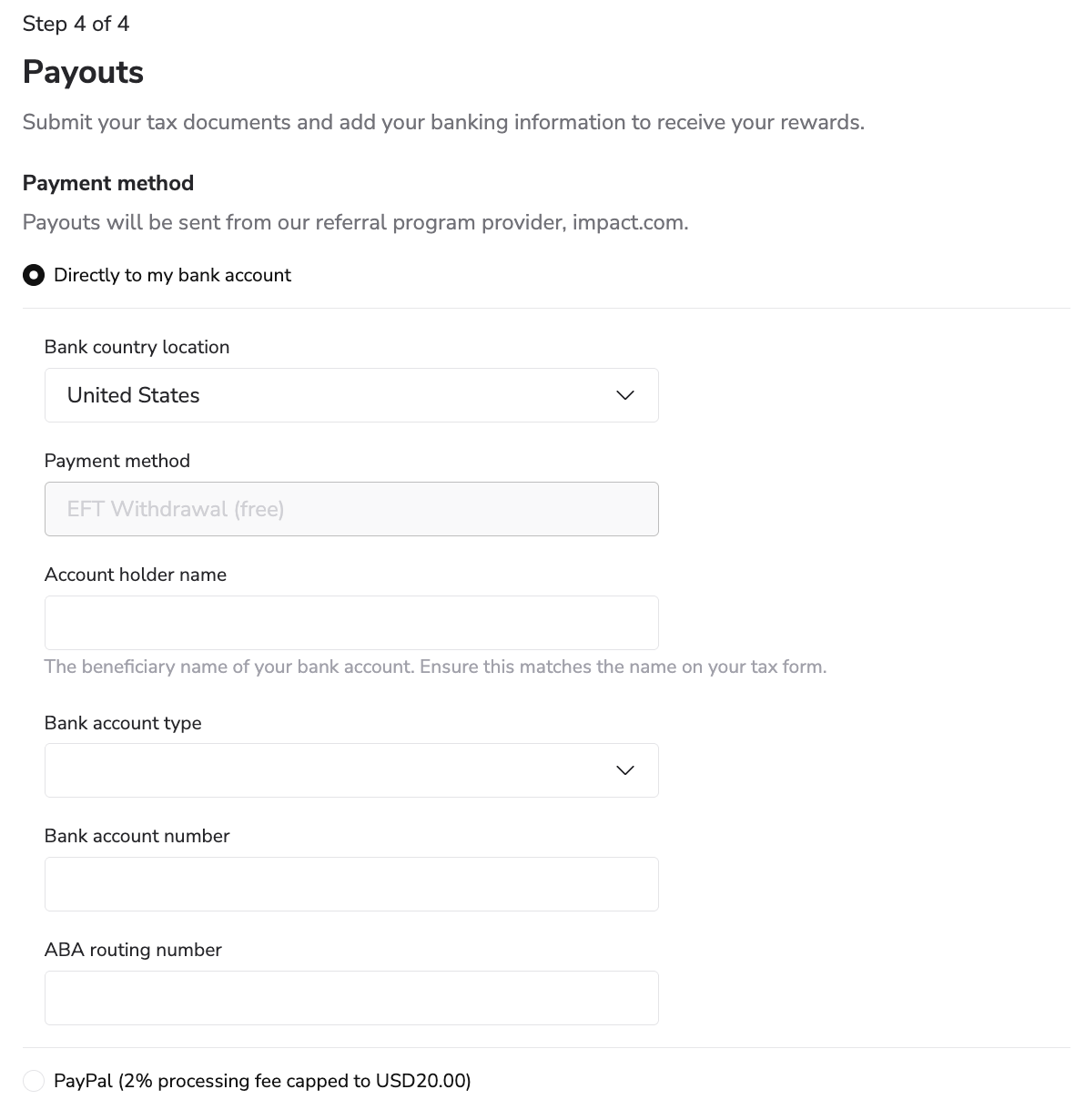
You'll then have the final step where you'll add your method for receiving the payouts. You can add your banking information or PayPal account:
Please note you'll also need to set the schedule when you'll receive your payouts before you continue:
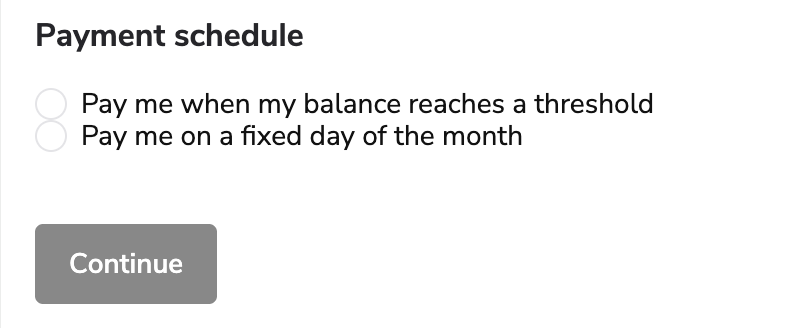
The two options for payment schedule are:
A fixed day of the month (the 1st or 15th)
Payment when a threshold of a certain dollar amount is reached
Tracking your referrals
You can also keep track of your referrals links that have been used from within the Referral portal. The location of the tracking activity differs based on how you access the Referral portal:
Login to your LivePlan account and look for the Share LivePlan, Get $20 option in the top navigation menu:
Click it to navigate to the Refer a Friend screen:
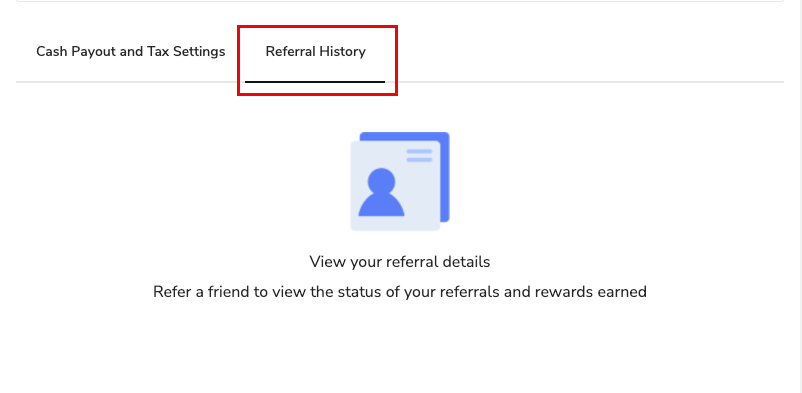
Scroll down past the section with your referral link and social media options. Click on the Referral History tab next to Cash Payout & Tax Settings:
Login here if you don't have a LivePlan account.
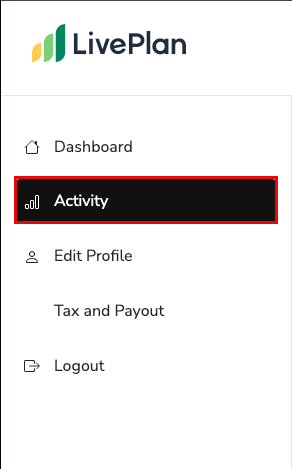
Click on Activity from the side panel:
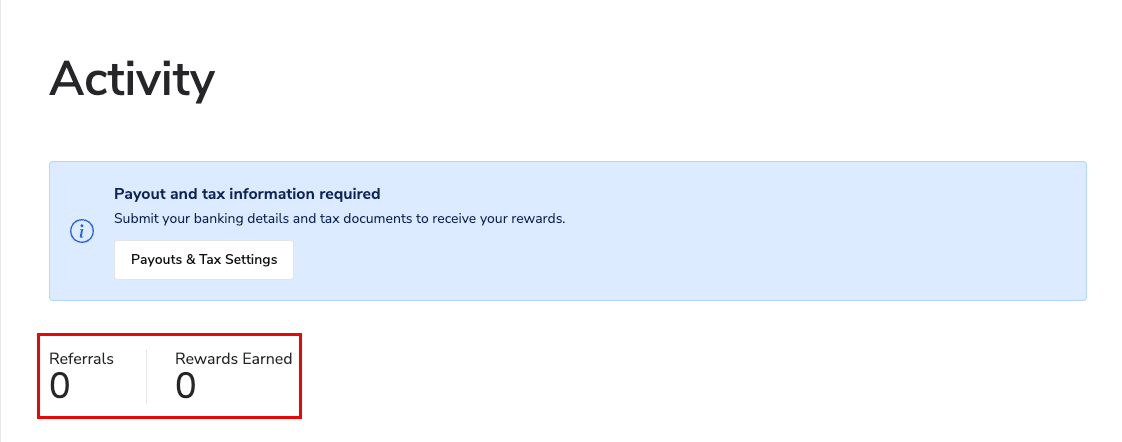
There you'll see the number of referrals you have issued and the number of them that have been used:
Troubleshooting:
A referral isn't showing up as expected. Please contact us! We can look into it and manually confirm the referral using the email address of the person you referred.
You're having trouble receiving a payment. Payouts for the Referral Program are handled by Impact, our payment partner, not directly by LivePlan. If you're running into an issue with a bank transfer or PayPal payment, Impact's support team can help: https://impact.com/contact/support/